
It may be necessary to add AutoDJ to an existing or new mount point in MediaCP. This is quite commonly required when upgrading your service from a simulcast account, to include AutoDJ.
Once the following steps are complete, you will be able to upload and manage media.
Step 1
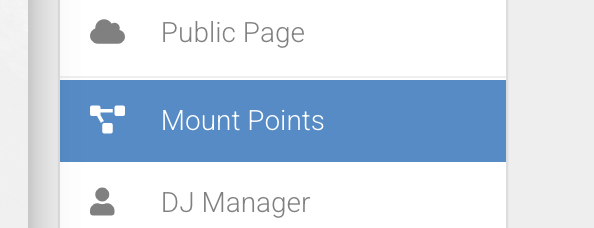
Head to your Mount Points setting page.
Step 2
Select Manage on the mount point you wish to apply AutoDJ too.

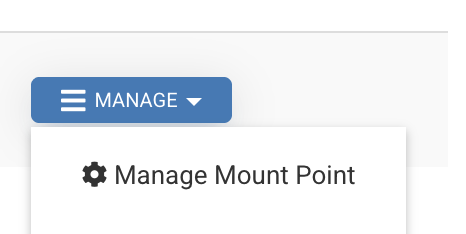
Click 'Manage Mount Point' to access its settings.
Step 3
You can tick enable AutoDJ on this mount point. Important to note that you must select the same codec and bitrate / sample rate as your main live encoder broadcast to ensure seamless operation of AutoDJ switching from live source.
So, for example if you broadcast via a live source in MP3 320kbps 44100 Khz, please select the same here.
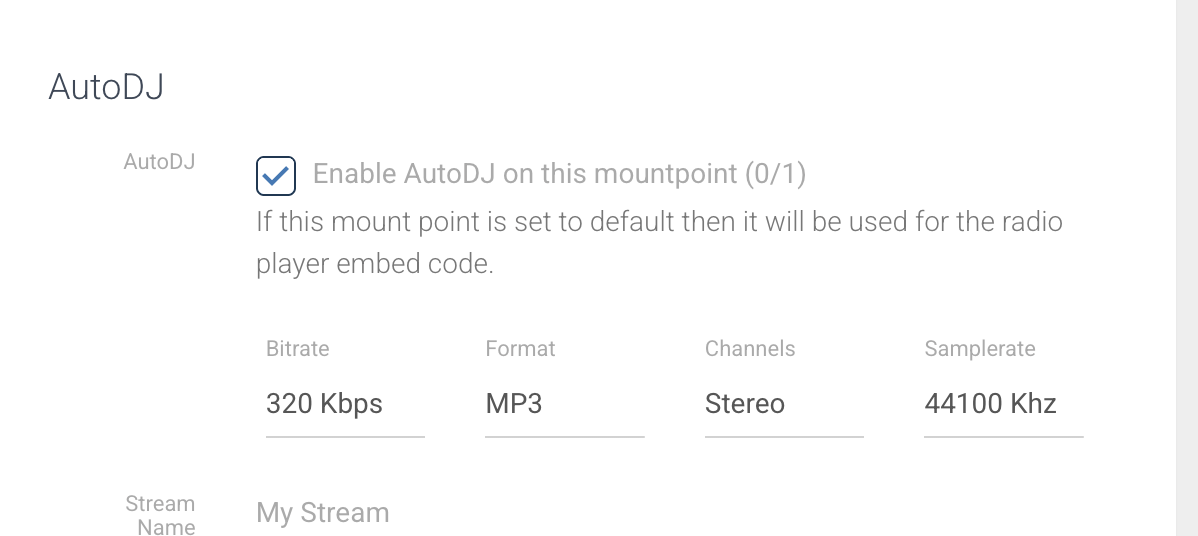
Once you've applied this setting, hit Save.