
Everest Panel allows you to re-stream an external audio source (e.g., a live DJ feed) according to a schedule. This is ideal when you want an external presenter or remote broadcast to play out as part of your AutoDJ schedule.
How to Set Up a Re-Stream Schedule
1. Open the Schedule
-
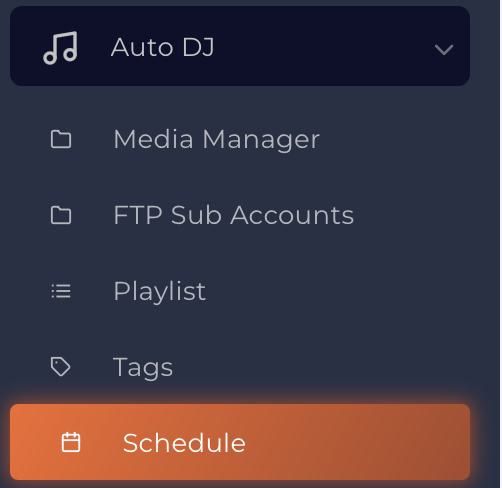
Navigate to Auto DJ → Schedule.
-
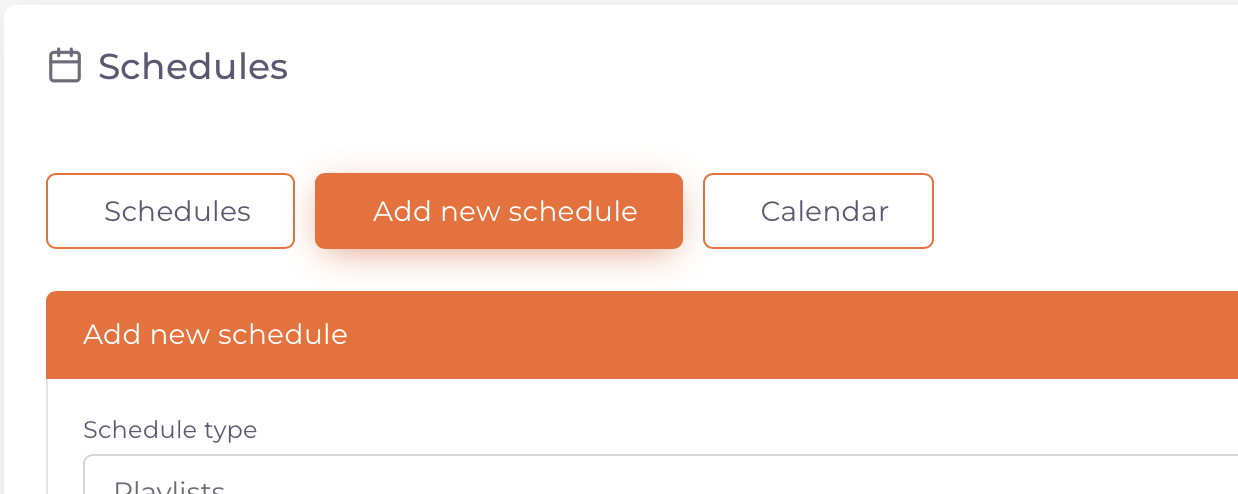
Click Add New Schedule.
2. Configure the Re-Stream Event
Schedule Type
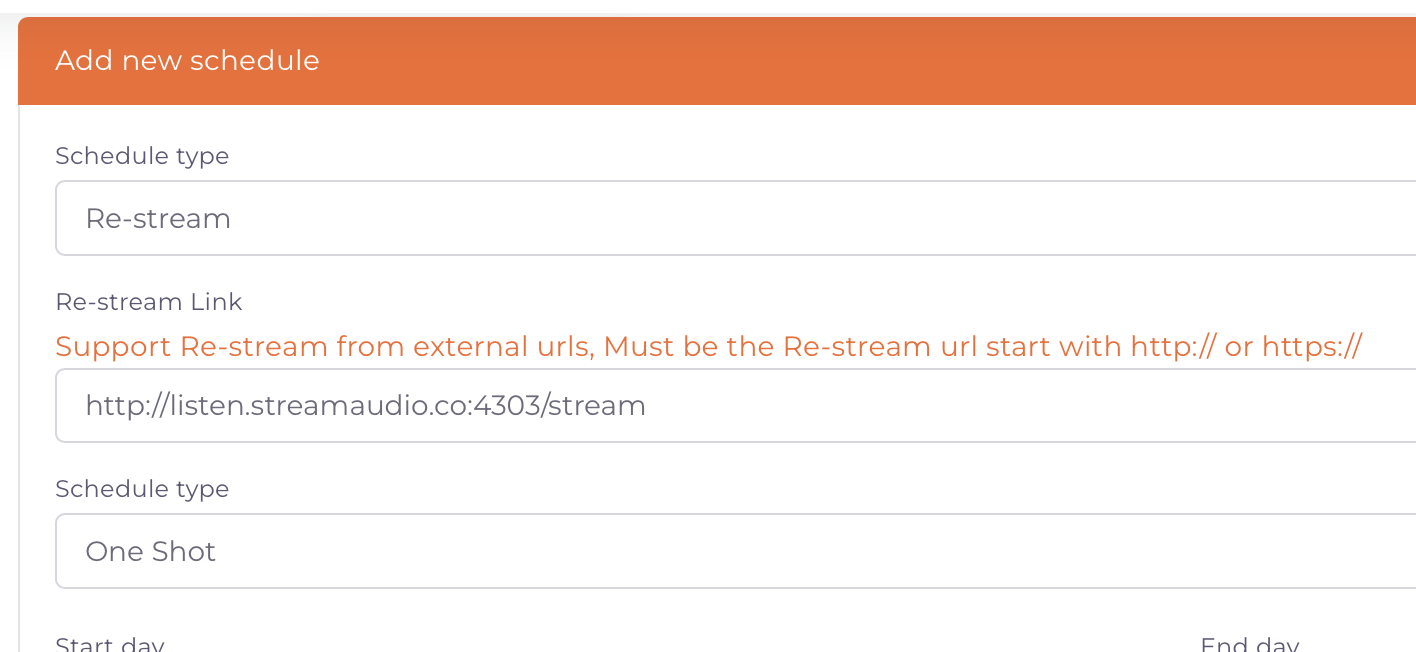
Set the Schedule Type to Re-stream.
Re-Stream URL
Enter the external stream URL you want Everest Panel to pull from.
3. Choose How the Re-Stream Should Run
Everest Panel offers three re-stream scheduling modes:
Non Stop
Use this option if you want Everest Panel to re-stream the external URL 24/7, overriding your AutoDJ permanently.
Daily
Choose this if you want the re-stream to occur on specific days and times every week.
Perfect for regular weekly shows or recurring DJ sessions.
One Shot
Select this if the re-stream should occur only once - ideal for a one-off event or special broadcast.
Schedule Type is as follows;
- Non Stop - select this if you want to re-stream the external URL 24/7
- Daily - if you wish to select the regular weekly days and times to take the re-stream
- One shot - if you wish to take this re-stream URL only once
4. Adjust Interrupt Settings
The Interrupt Settings determine how the re-stream behaves when another scheduled event is due to start.
For example, you can specify whether the re-stream should stop immediately, fade out, or finish the current track before switching to the next scheduled item.
5. Unique Track Settings
For Unique Track Handling, select:
Return to default playlist
This ensures that once the re-stream ends, the system goes back to your normal AutoDJ playlist flow.
Your Re-Stream Schedule Is Now Ready
Everest Panel will now connect to the external stream at the specified times and automatically return to your AutoDJ or next event once finished.