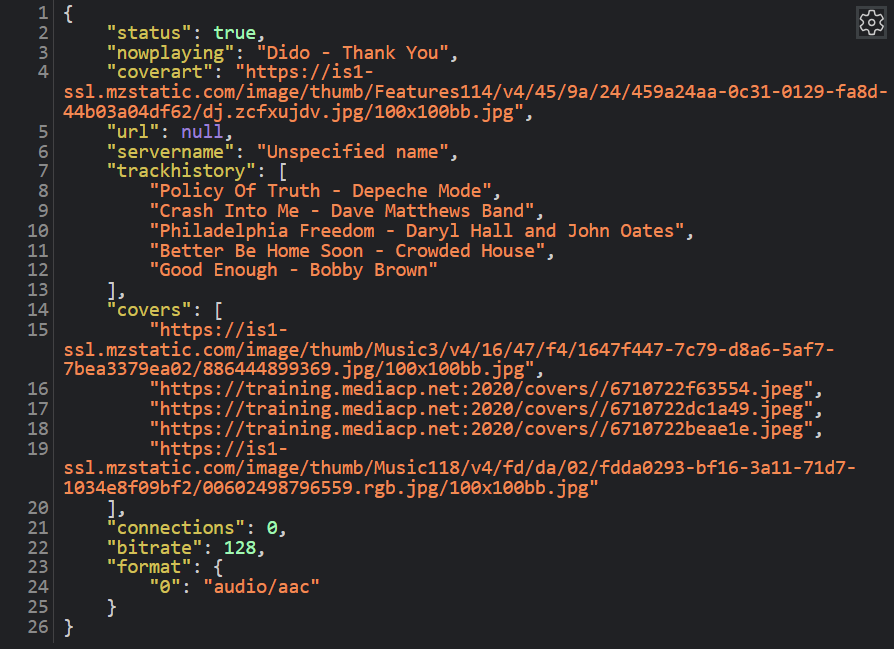
Service URLs
Direct access to the Icecast or Shoutcast pages, aren’t frequently used as Proxy links provide modernised access to the broadcast. Most commonly used to feed information into third party players.
It is possible to login to the administrative interface of the Shoutcast or Icecast server for more detailed information. The Username and Password for this interface is displayed directly below the link.
Proxy Links
Proxy links will be shown aside the Service URLs if enabled on the service and provide a nginx powered reverse proxy acting on typical ports used for website access and provides secure SSL access to the audio service where otherwise might not be possible.
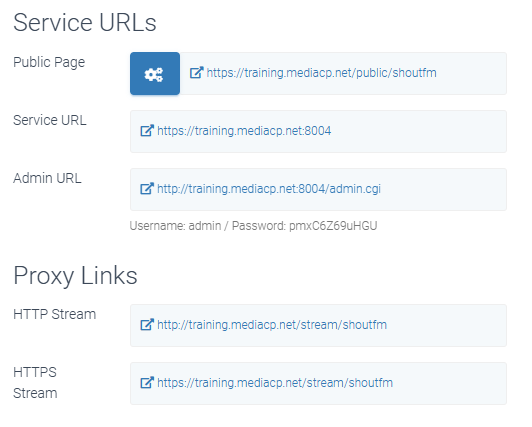
HTML5 Player Embed Code
The MediaCP Audio HTML Player can be embedded to another website with the HTML code displayed next to the player. A single click into the HTML code field will copy the content ready to be pasted onto your website. Typically, most website editors will have a field to insert HTML code directly.
The settings icon (COG) in the top right corner of the player is only visible to users that are logged in. It will not be displayed to your listeners. By default, all player features are enabled. can control features and design by pressing the cog button which will take you to the Public Page Station Configuration.
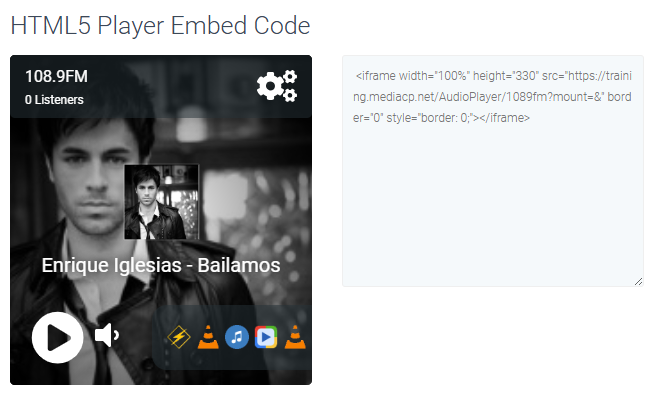
General Links
The General Links tabbed section includes direct links for various applications and devices. Typically most applications will utilize the same link however Shoutcast provides some specialty links for devices such as the iPhone which can utilise the m3u link instead.
Widgets are flexible and once deployed onto a website can be styled with CSS as regular HTML. Information contained in each widget is heavily cached to avoid system overload and updated once every 60 seconds.
Some Widgets include attributes on the HTML element that provide additional configurations, such as the “Recently Played” widget with data-limit attribute. The value of data-limit can be changed from 5 to 3 for example.
The data-name attribute identifies the station that you wish to extract data from.
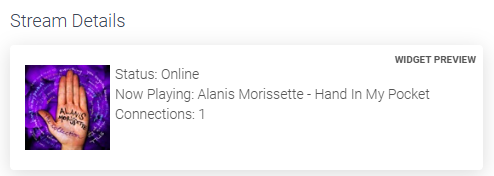
This widget is comprised of several components which access and demonstrate the Widgets API to extract available information. Each element that can be moved or deleted to provide a different set of information or layout the information in more desirable way.
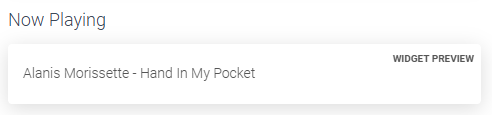
The Now Playing widget simply displays the currently playing track in a text-only format.
Designed to display the Currently playing Track title with the relative Cover Art.
Attributes:
- data-coverart (true/false) to control visibility of the Cover Art
- data-styled (true/false) determines if styling should be provided automatically

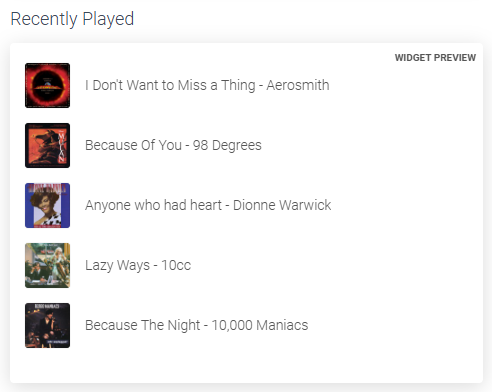
Designed to display a list of Recently Played tracks
Attributes:
- data-covers (true/false) to control visibility of the Cover Art for each track
- data-limit (1-5) determines number of tracks to display
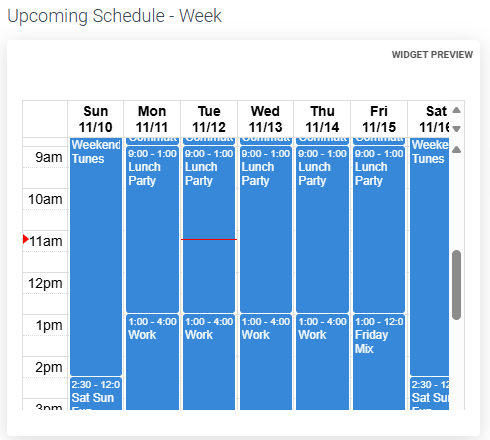
An iframe that displays a Calendar relative to the Scheduling Calendar. Available in Today or Week view.
- Today – Displays events from start of current hour to midnight
- Week – Displays events from start of current week (Sunday) until end of current week (Saturday). The start and end times can be modified in the src attribute if an alternative view of hours was desired, for example 9am to 5pm.
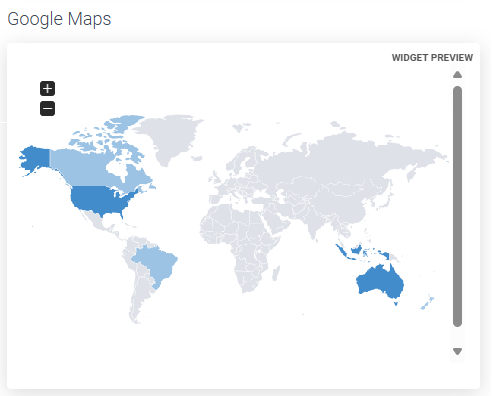
This embeddable map displays the number of listeners in each country highlighted on the map.
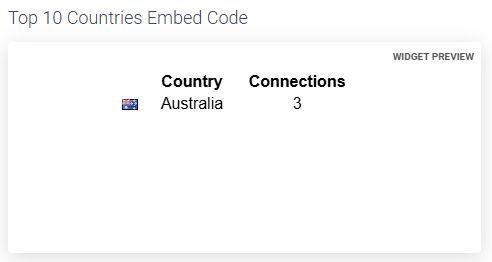
A table containing a list of Countries and the number of listeners in each country.
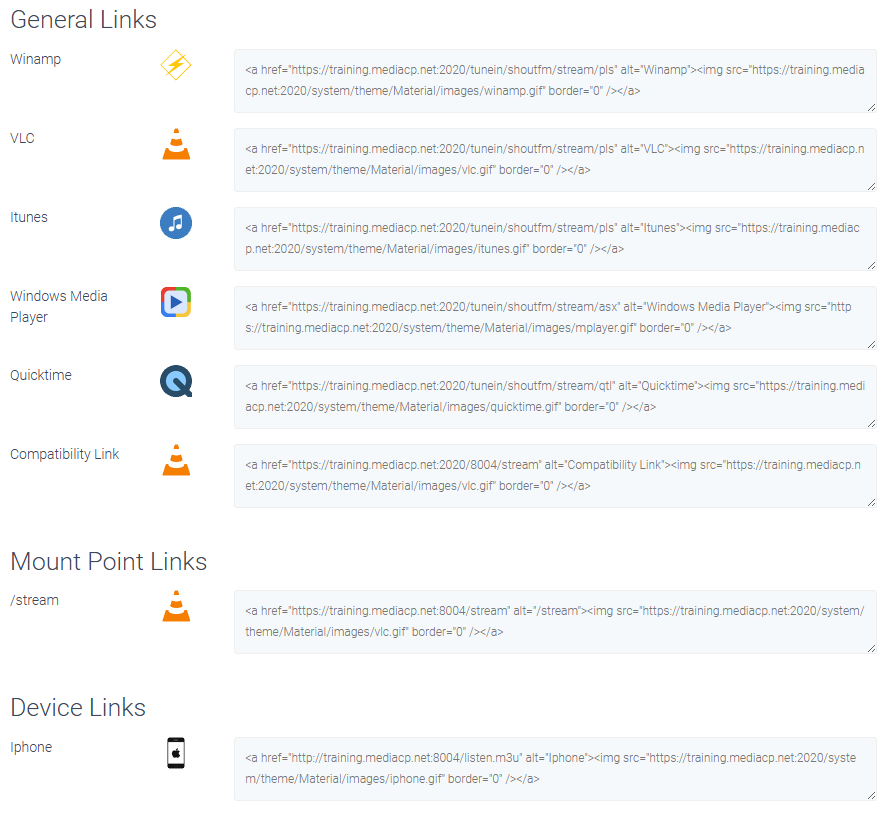
The JSON tab provides a JSON compatible URL of the Stations core publicly accessible information including the information set out below. This URL is typically integrated into third party applications to provide information.
- Broadcasting Status
- Now Playing Track
- Cover Art Image URL
- Recent Track History
- Covers matching Recent Track History
- # of Connections (listeners)
- Current Streaming Bitrate
- Current Streaming Format (AAC/MP3 etc)